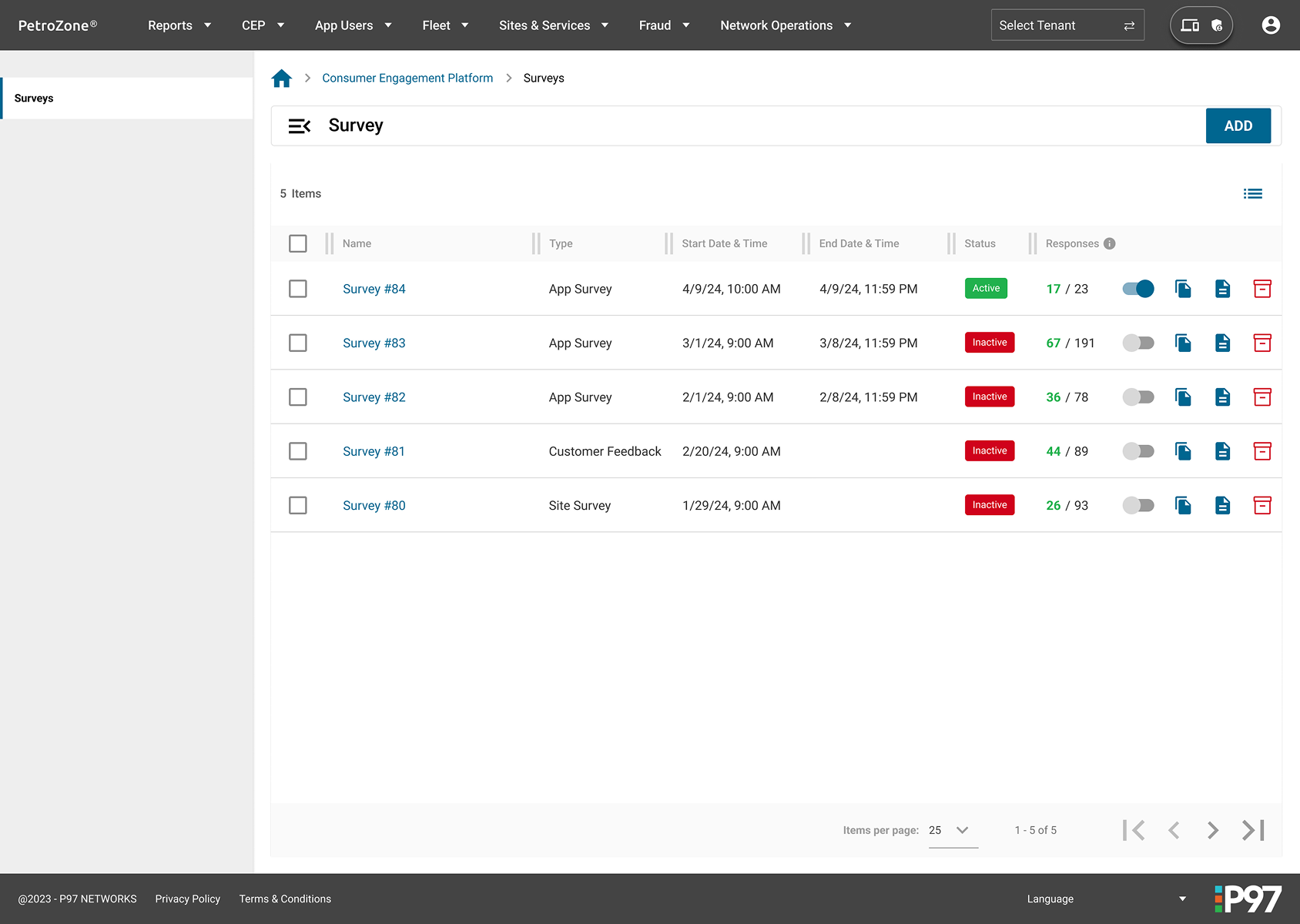
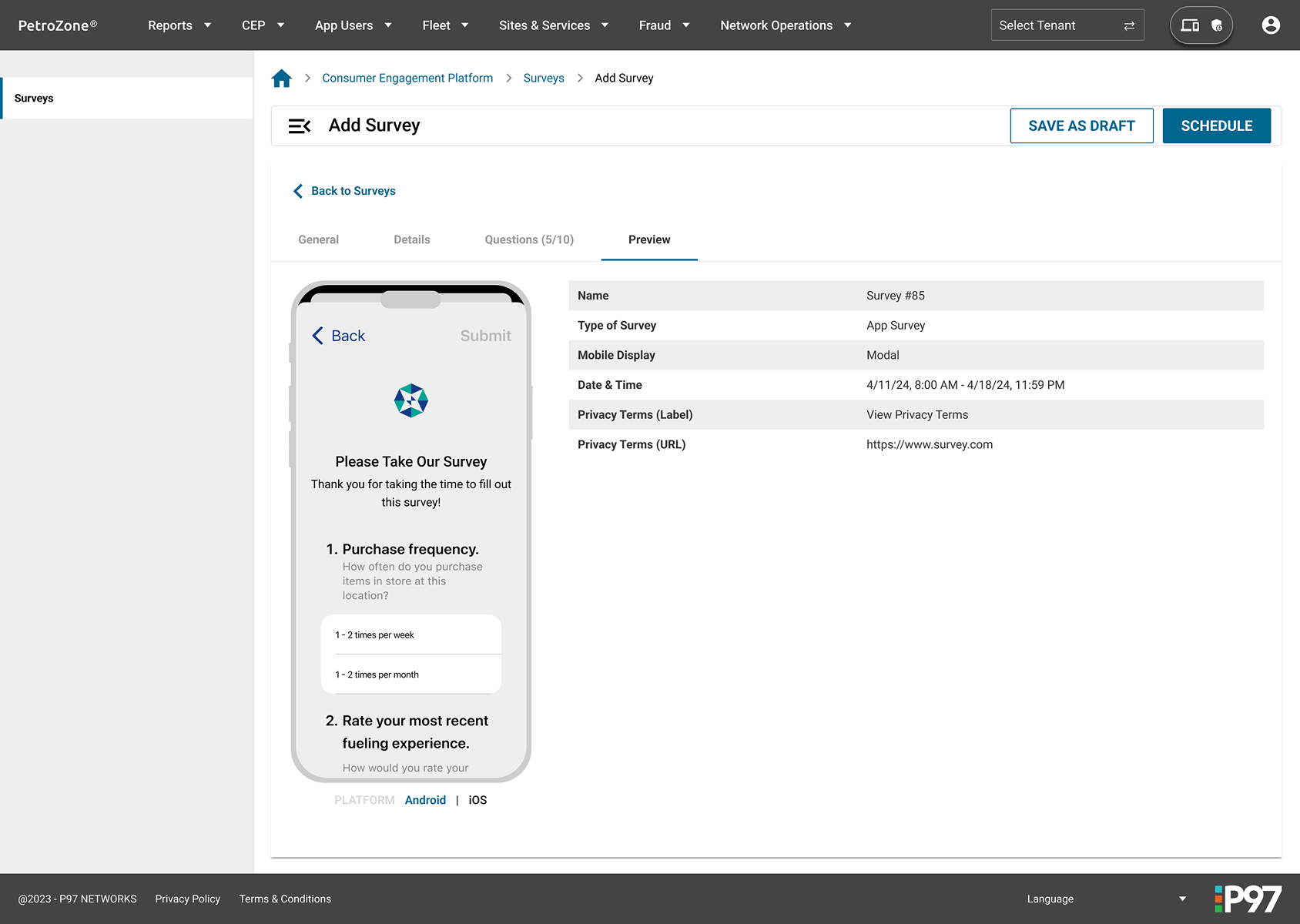
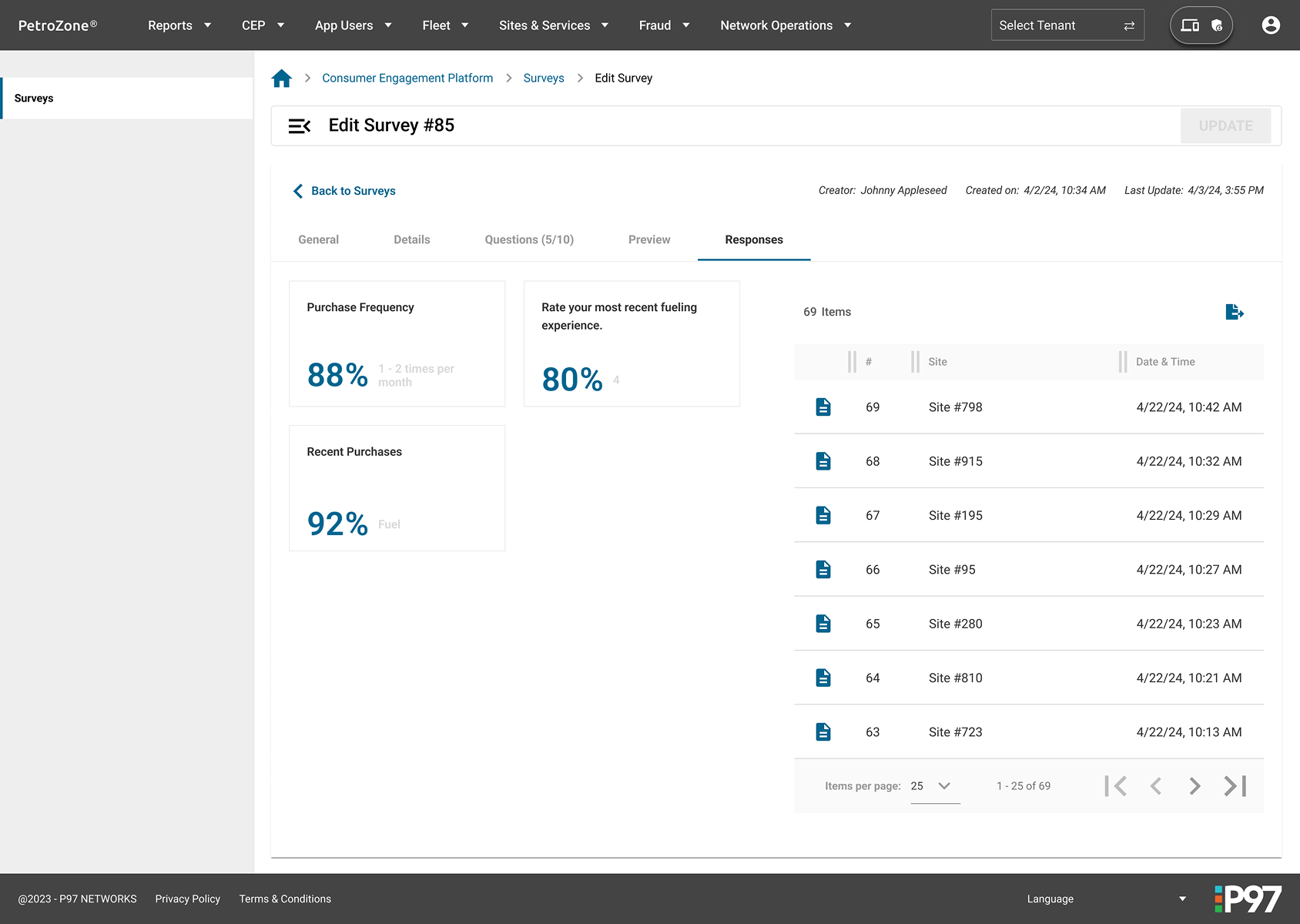
Clients of P97 Network looked to get feedback from their customers using their app to improve their services. As the Senior Product Designer for the PetroZone web portal, I worked with Project Managers and Developers to design a UI that would walk clients through the process of creating a customized survey to be displayed on their apps.
Customizable
UI should allow for a high level of customization of surveys.
Approachable
UI should be easy to understand and use for the average user.
Data Heavy
The required data to create a survey was numerous and needed to be well-organized in a cohesive manner.
Task
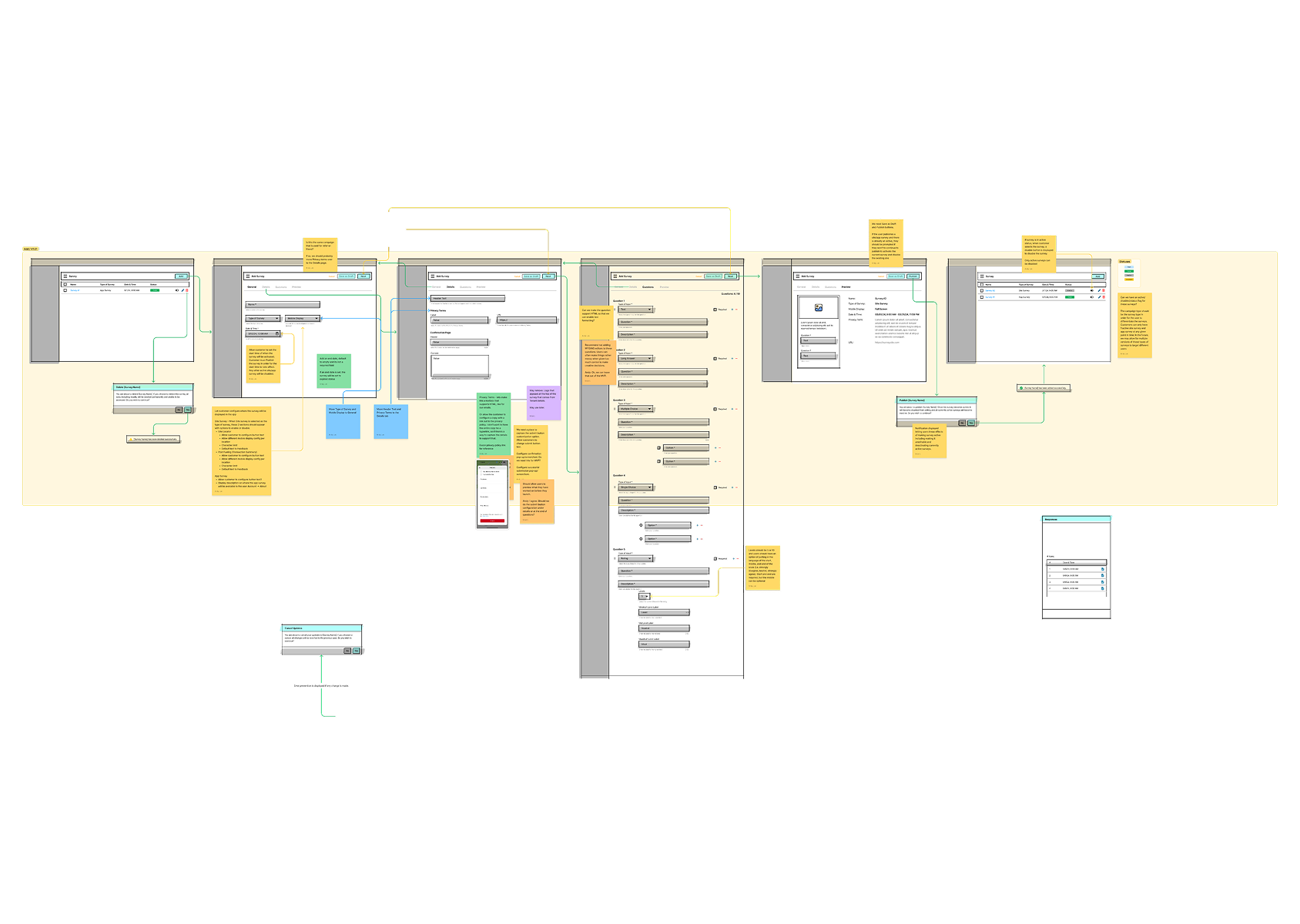
As the Senior Product Designer, I was tasked with creating a UI in the existing web portal that would allow users to create their own customizable survey that could be filled out on their mobile apps.
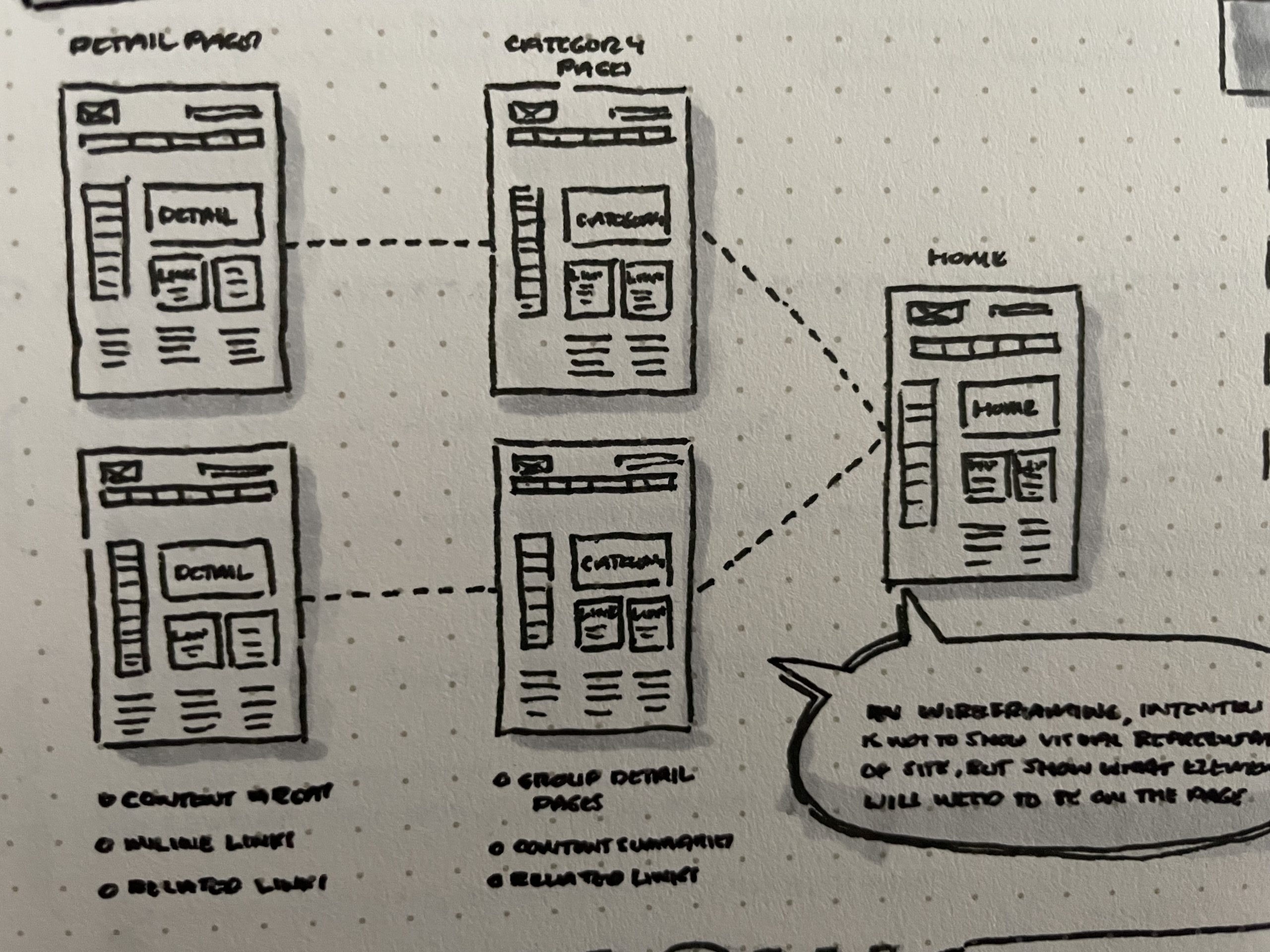
Actions
Collaboration
Worked with the project manager (1), engineers (2), and mobile designers (2) to understand requirements
Contextual Fields
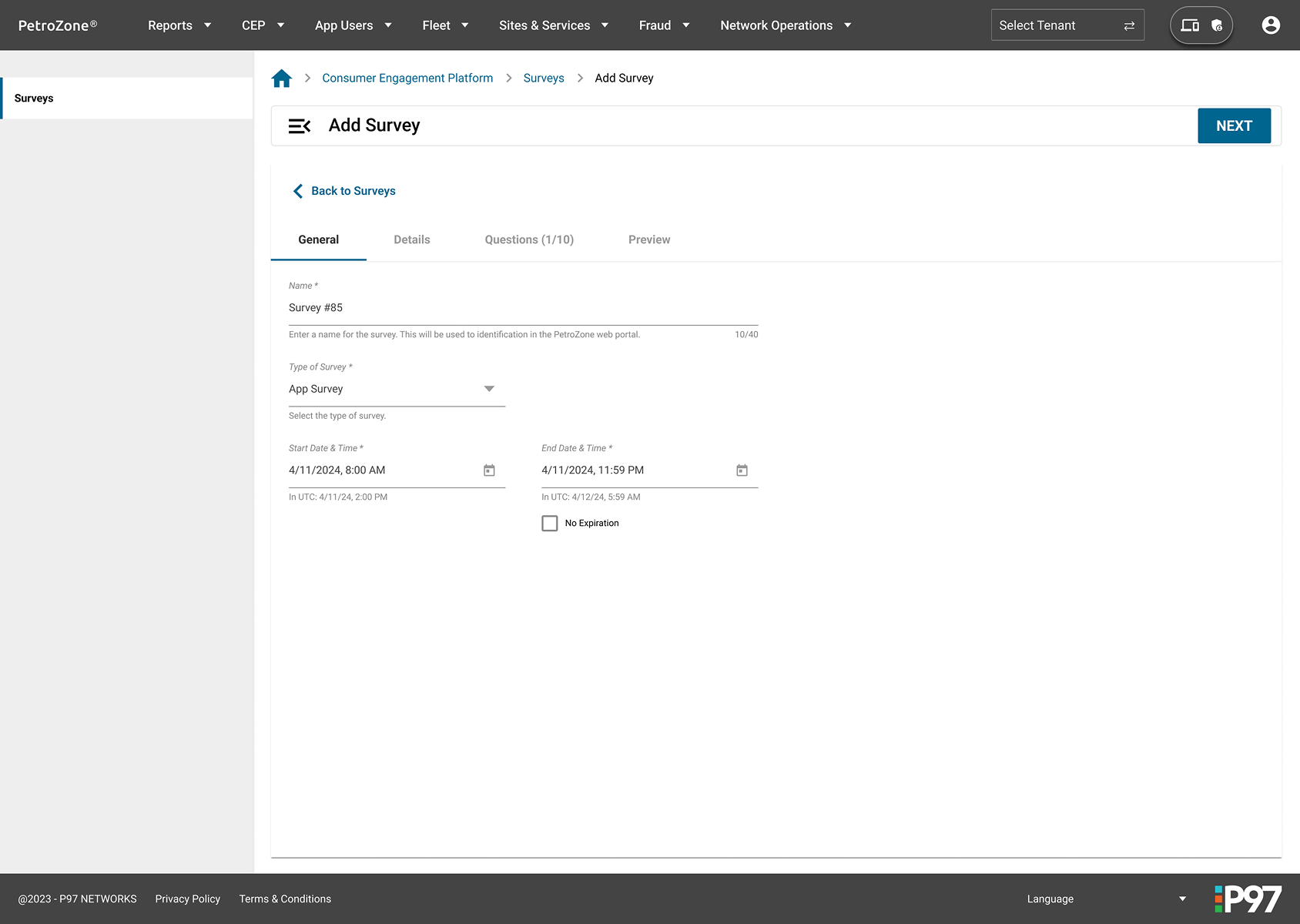
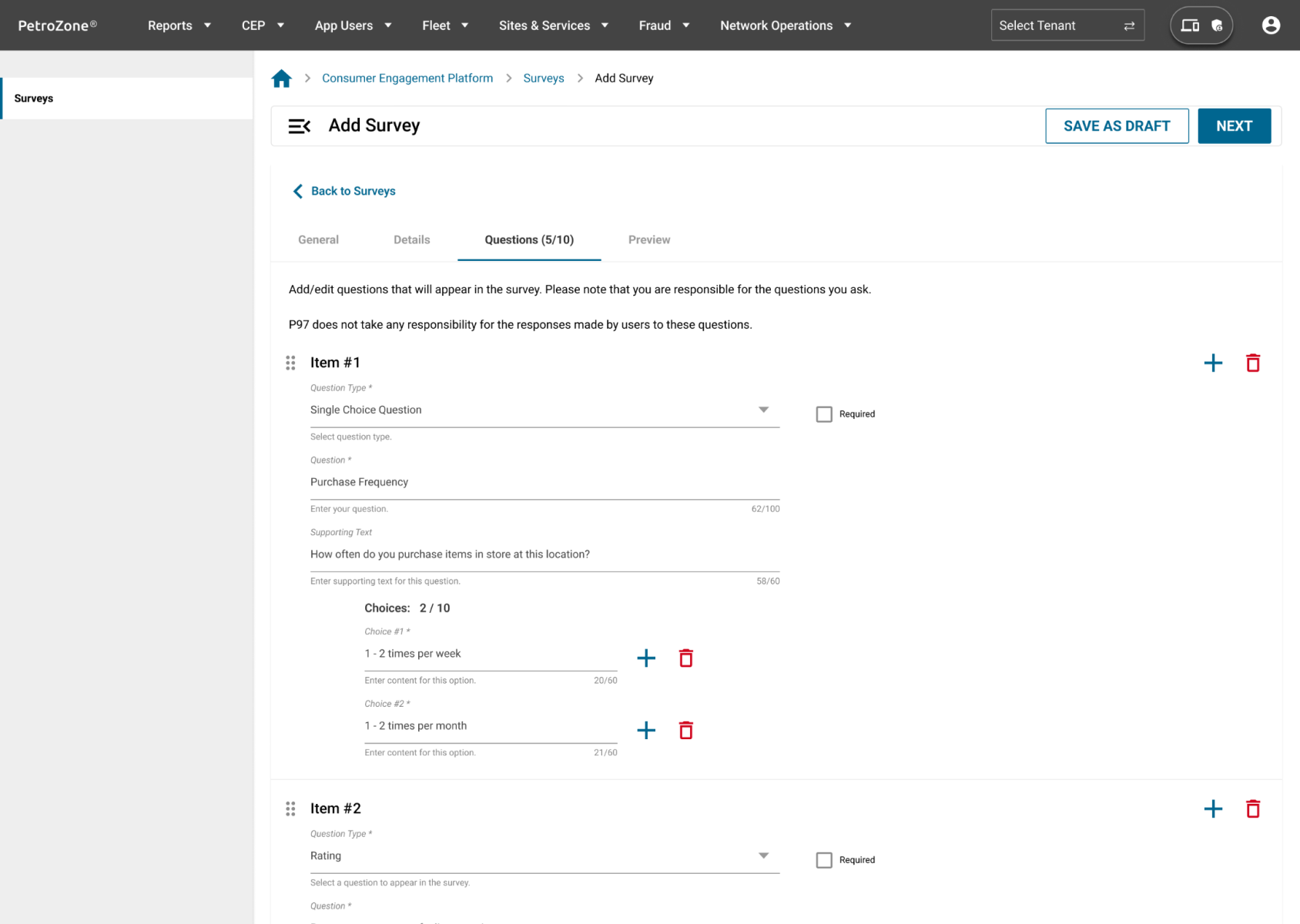
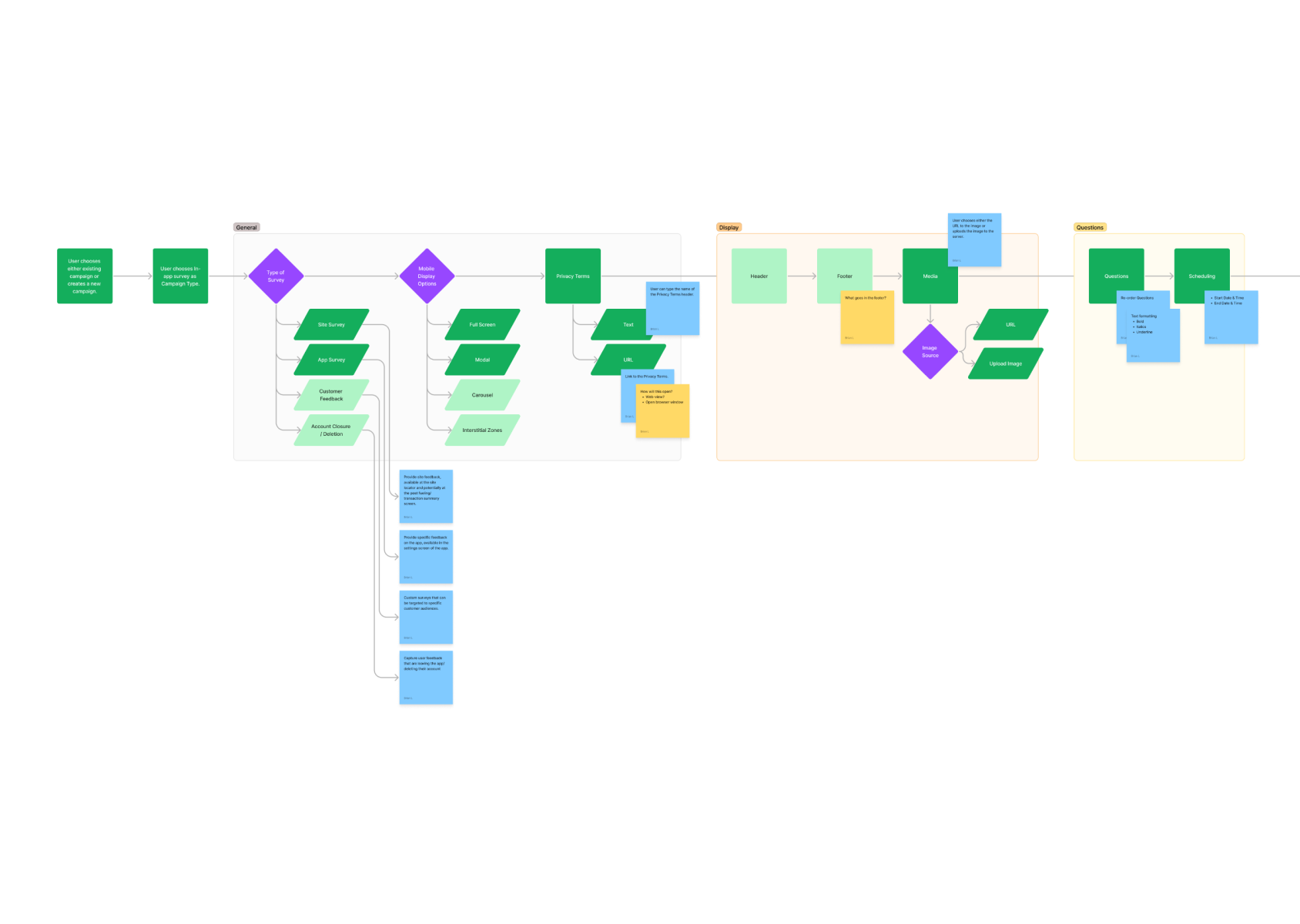
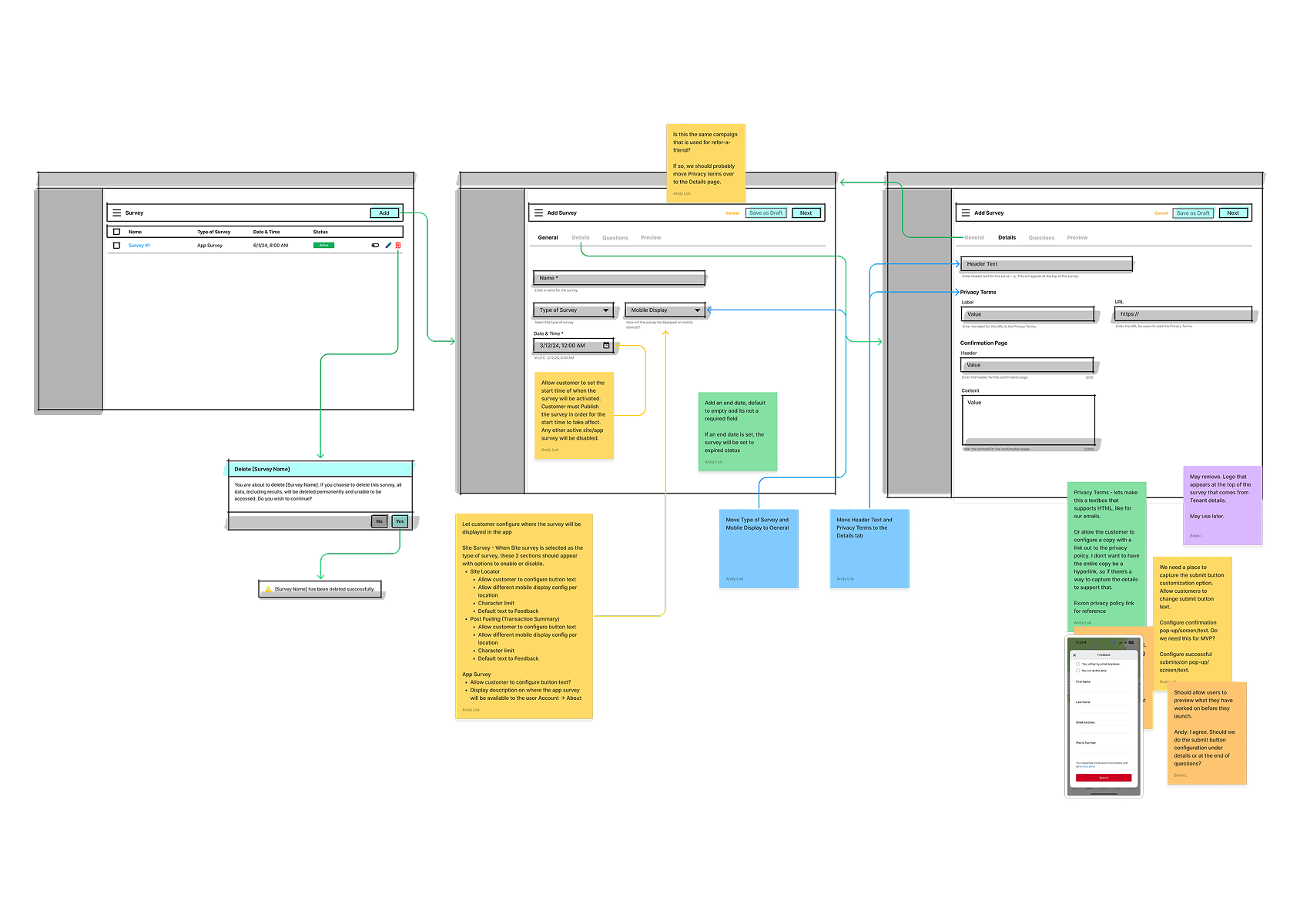
Drawing upon my previous experience designing UIs for forms, I made certain fields appear depending on the choices users made while filling out the form. This allowed for greater customization when desired.
Drag and Drop
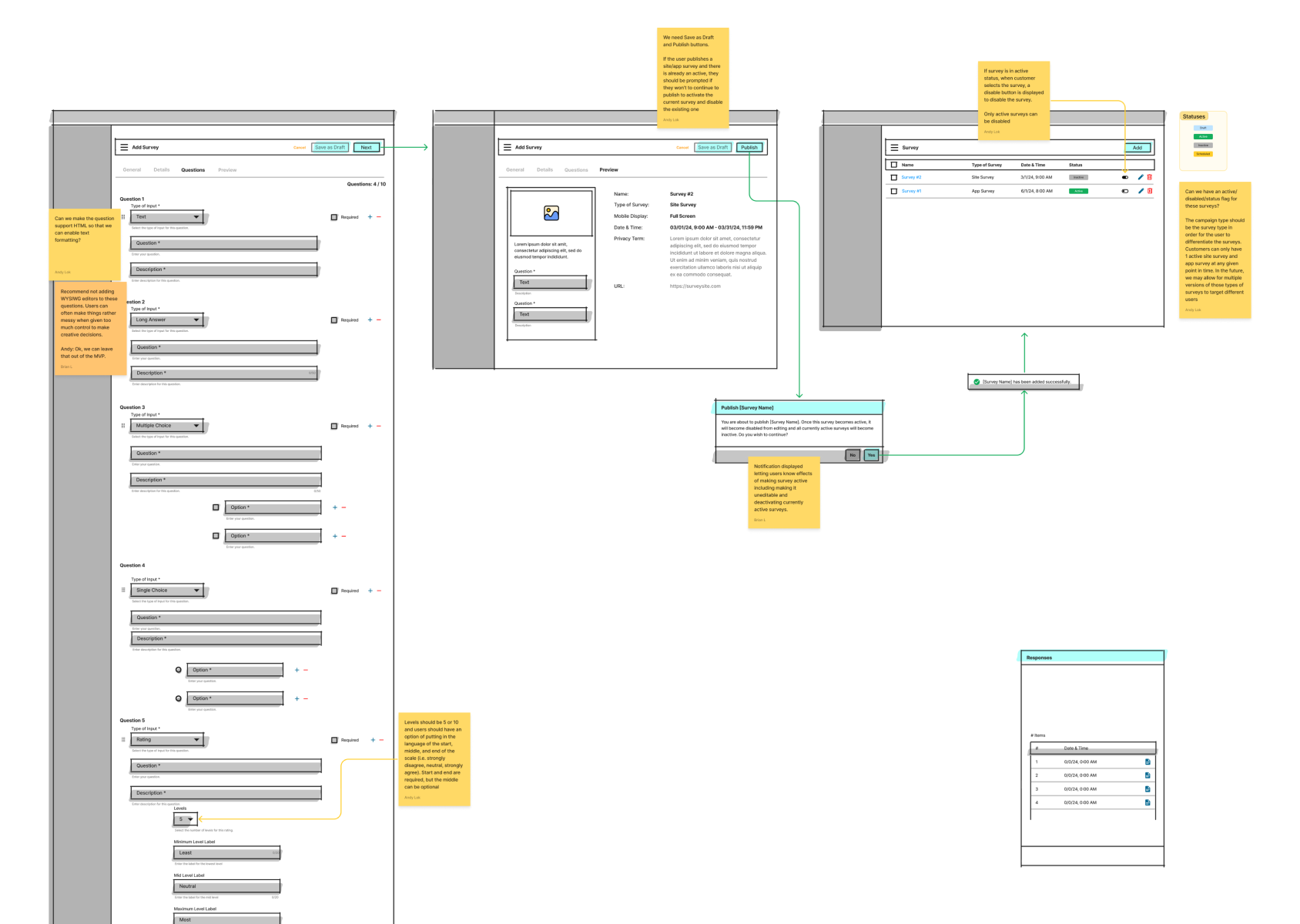
Set up a drag-and-drop UI to easily change the order of questions
Supporting Text
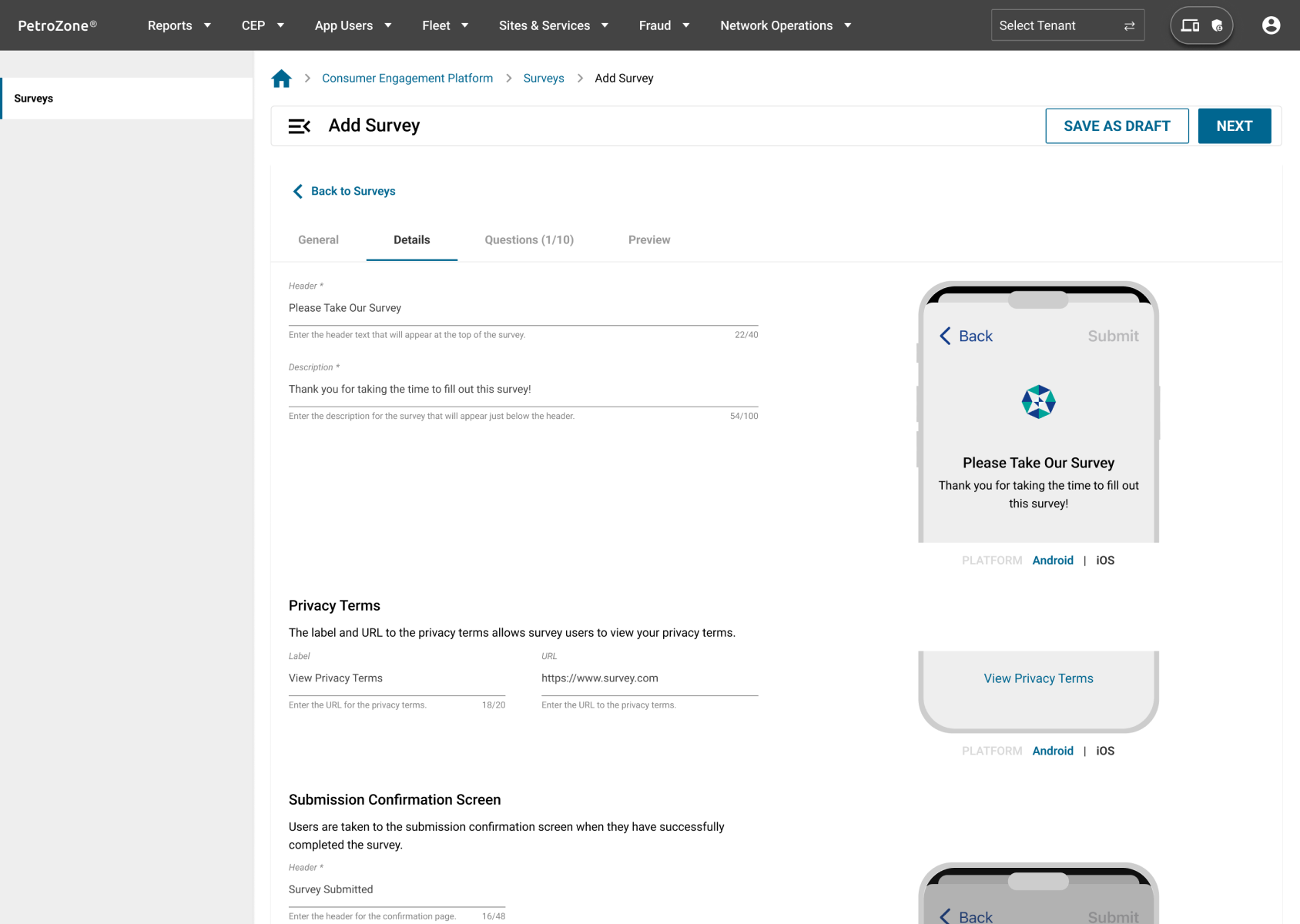
To reduce the need to ask for technical support, I added short but informative instructions to each step. Each field was also given brief supporting text to help users understand their purpose.
Real-time Preview
Designed a preview module that let users view the survey in the mobile app while they made changes
Results
Intuitive UI
The use of simple UI with drag and drop features helped users quickly understand and create surveys.
Customizable
UI allowed users to customize and tailor their surveys to meet their needs.
Step-by-Step Process
The required information is separated into relevant sections, making it easier to understand.